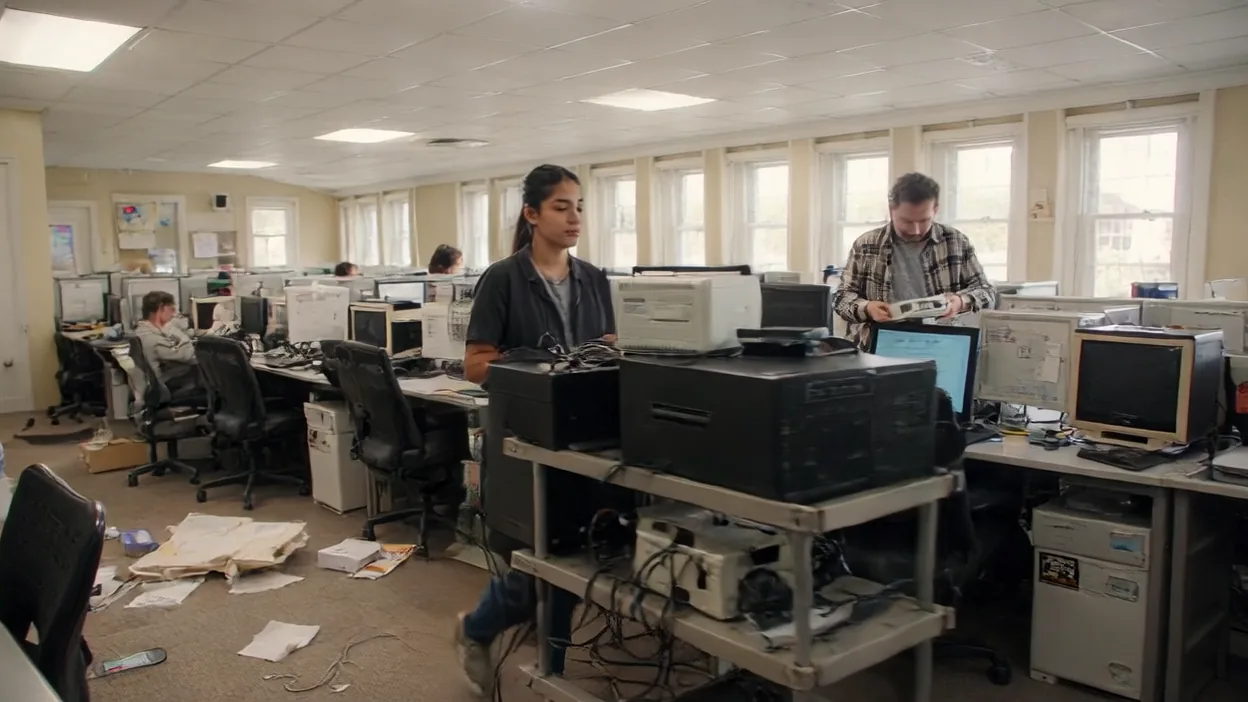
Windows 10 reached end of support on October 14, 2025. If your business is still running it, those machines have not had a security update since then unless you enrolled them in Microsoft's paid Extended Security Updates (ESU) program. For businesses, ESU is sold one year at a time: year one ends in October 2026, and the price doubles each year after that, for a maximum of three years.
Here is the part that catches business owners off guard: the computers still work. They turn on, they run your software, nothing looks broken. That is exactly what makes this dangerous. An unsupported operating system does not fail loudly—it quietly becomes the easiest way into your network, and it slowly breaks your ability to run modern software, pass a compliance audit, or qualify for cyber insurance.
This guide explains what Windows 10 end of life actually means, the real risks of staying put, your upgrade options, and how Northeast Ohio businesses should plan the move to Windows 11 without paying for ESU any longer than they have to.
What "End of Life" Actually Means
End of life (also called end of support) means Microsoft has stopped maintaining Windows 10. Specifically, as of October 14, 2025:
- No more security updates. Newly discovered vulnerabilities will never be patched. Every month that passes adds more known holes that attackers can use.
- No more bug fixes or feature updates. Problems that crop up will not be fixed.
- No more technical support. Microsoft will not help you troubleshoot Windows 10 issues.
(The exception is the Long-Term Servicing Channel (LTSC) editions found on some specialized equipment, which have their own, later support dates. Ordinary Windows 10 Pro, Enterprise, and Education machines follow the October 2025 date.)
Your computers did not stop working when support ended. That is the trap. They keep running exactly as before—which is why so many businesses do nothing—while the security gap underneath them widens every single month.
The one official exception is the Extended Security Updates (ESU) program: paid coverage that delivers critical and important security patches. For organizations, Microsoft lists it at $61 per device for year one, bought through volume licensing, with the price doubling each year for up to three years (so through October 2028). Years are cumulative: joining in year two means paying for year one too. Machines must be on Windows 10 version 22H2 to receive ESU updates, and ESU includes no technical support and no fixes other than security. Microsoft's separate consumer ESU is meant for home PCs: it now runs to October 12, 2027, a year short of the business program, and it excludes devices joined to an Active Directory domain or enrolled in MDM.
The Real Risks of Staying on Windows 10
Security Exposure
This is the big one. Attackers actively hunt for unpatched systems, and an unsupported OS is a known, permanent target. Once a Windows 10 vulnerability is discovered after end of support, there is no fix coming—ever. The machine stays exploitable for as long as it is on your network. Exploiting known vulnerabilities is now the most common way attackers get in (31% of breaches in Verizon's 2026 report), so an unpatched endpoint is an open door.
Compliance Failures
If you handle healthcare data (HIPAA), payment cards (PCI DSS), or work under contracts that require supported software, an unsupported operating system without ESU is hard to defend in an audit. PCI DSS, for one, requires critical security patches to be installed within a month of release, which an unpatched system cannot meet.
Cyber Insurance Problems
Insurance applications ask about unsupported systems and patching. If you answered that everything is supported and patched when it is not, that answer can cause problems when you file a claim. Read your policy and answer accurately.
Software and Hardware Breakage
Vendors build for current platforms. Over the coming months, new versions of business apps, browsers, and cloud tools will drop Windows 10 support, and drivers for new printers, scanners, and devices may simply not exist. Your team hits "this is not supported" walls that slow everything down.
Rising ESU Costs
ESU gets more expensive every year you keep it. A machine you carry into year three costs seven times the year-one price in total, for a computer that still has to be replaced at the end. Buying replacements in planned waves is usually cheaper than paying that and then replacing in a rush.
Your Options Right Now
There is no single right answer—it depends on your hardware, budget, and timeline. Here are the realistic paths:
Option 1: Upgrade Eligible PCs to Windows 11 (Free)
If a machine meets Windows 11's hardware requirements, the upgrade is free and gets you back onto a fully supported, patched OS. This is the best outcome where it is possible—but not every Windows 10 machine qualifies.
Option 2: Replace Machines That Can't Upgrade
Many older PCs do not meet Windows 11's requirements, particularly the TPM 2.0 security chip and CPU generation cutoffs. For those, the answer is new hardware that ships with Windows 11. This is also the moment to right-size—buy what your team actually needs, not a like-for-like replacement of aging gear.
Option 3: Buy Time With ESU (Short-Term Bridge Only)
Extended Security Updates keep security patches flowing on Windows 10, but each year costs double the last and the program ends after three years. Treat ESU as a bridge to finish a migration already in progress, not a destination. You are paying to delay a move you still have to make.
Option 4: Phase the Rollout
You do not have to replace everything at once. Upgrade or replace your highest-risk and most critical users first, then schedule the rest in waves to spread out the cost. A phased plan is almost always smarter than a panicked all-at-once buy.
Can Your PCs Even Run Windows 11?
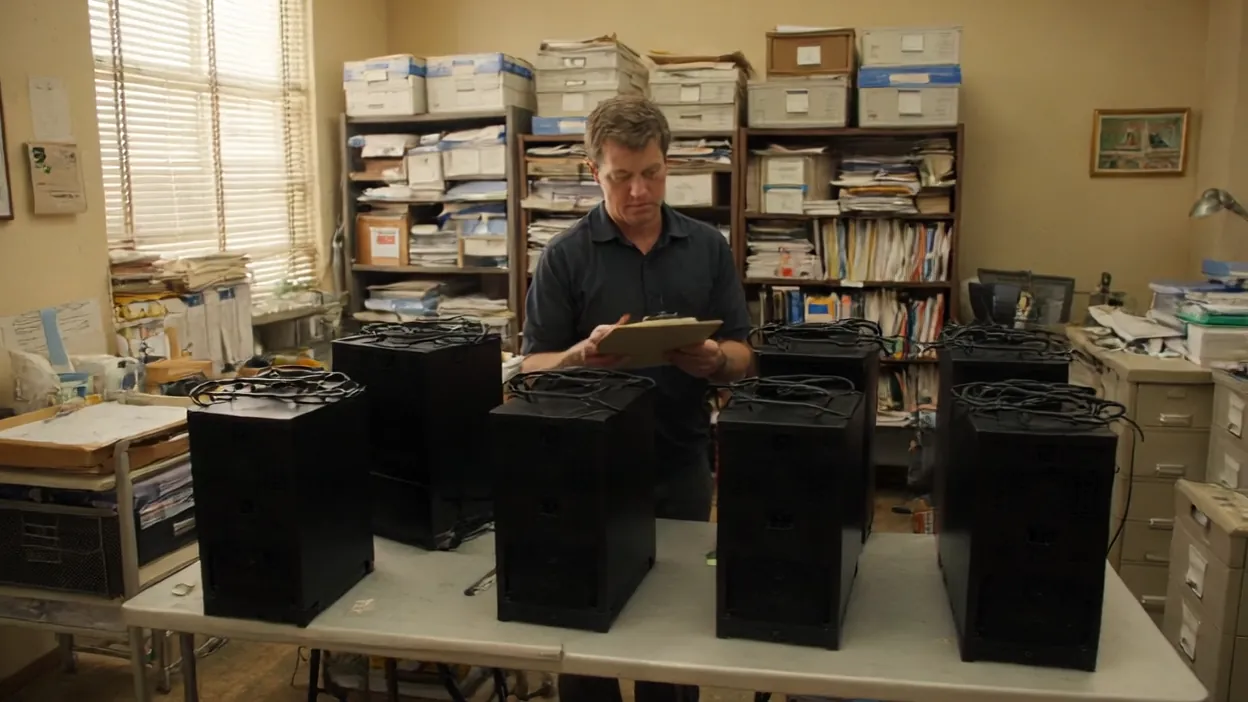
This is where a lot of businesses get surprised. Windows 11 has stricter hardware requirements than Windows 10, and older machines often fail them. The key requirements:
- TPM 2.0—a security chip many older PCs lack or have disabled in the BIOS.
- A supported (newer-generation) CPU—Microsoft cut off many processors that run Windows 10 perfectly well.
- Secure Boot capability, plus minimum RAM and storage thresholds.
The practical result: a machine can be only a few years old and run Windows 10 flawlessly, yet still be ineligible for Windows 11. Sometimes it is a quick BIOS setting (enabling TPM); other times the hardware simply cannot make the jump.
You do not have to figure this out by hand. NHM Ohio can run a compatibility assessment across your whole fleet and tell you exactly which machines upgrade for free, which need a setting change, and which need replacing—so you can budget with real numbers instead of guesses.
How to Plan Your Migration
A smooth migration is a project, not a scramble. Here is the order that works:
- Inventory every device. You cannot plan around machines you have forgotten about. Catalog every PC, its specs, and what it is used for.
- Run a Windows 11 compatibility check. Sort the fleet into three buckets: free upgrade, needs a settings change, needs replacement.
- Prioritize by risk and role. Machines that touch sensitive data, face the internet, or belong to key staff go first.
- Budget and phase the purchases. Spread replacements across waves so you are not absorbing the whole cost—or the whole disruption—at once.
- Back up before you touch anything. Every migration carries some risk. Verified backups mean a bad upgrade is an inconvenience, not a disaster.
- Migrate, verify, and confirm patching. Move users over, confirm their apps and data made it, and make sure each upgraded machine is fully patched and protected.
- Decommission old hardware securely. Wipe drives properly before retiring or recycling old PCs—an "old" computer in a closet or a recycling bin is still a data-leak risk.
Done right, most of your team barely notices. Done as a last-minute scramble before an ESU renewal, it is expensive, disruptive, and risky.
How NHM Ohio Handles Windows 10 Migrations
NHM Ohio runs Windows 10-to-11 migrations for businesses across Canton, Akron, Cleveland, and Youngstown end to end:
Fleet Assessment
We inventory every device and run a compatibility check so you know exactly which machines upgrade free, which need a tweak, and which need replacing—with real budget numbers attached.
Hardware Procurement
When replacements are needed, we source the right machines for your team and your budget, and we handle the buying so you are not navigating it alone.
Phased Migration
We plan and execute the rollout in waves, prioritizing your highest-risk and most critical users, with verified backups before every step so nothing is lost.
Security Hardening
Every upgraded or new machine comes onto your network properly patched, protected, and monitored—not just "upgraded and forgotten."
Secure Decommissioning
We wipe and retire old hardware properly so retired PCs do not become a data-leak risk down the road.
The goal is simple: get your whole fleet onto a supported, secure platform with minimal disruption, and stop paying for ESU as soon as you can.
Frequently Asked Questions
My Windows 10 computers still work fine. Why should I upgrade?
Because "works fine" and "secure" are not the same thing. The machines run normally, but unless they are enrolled in ESU they stopped getting security patches in October 2025. Every new vulnerability discovered since then is permanent and unpatched, which makes those PCs an easy entry point for attackers and a likely problem for compliance and cyber insurance.
How long can I keep using Windows 10 safely?
Without ESU, it has not been safe since October 2025. With business ESU, Microsoft will provide security updates for up to three years after end of support, at a price that doubles every year. That is a bridge to finish a migration, not a long-term plan.
Is upgrading to Windows 11 free?
For machines that meet Windows 11's hardware requirements, yes—the upgrade is free. The catch is that many older PCs do not qualify (often due to the TPM 2.0 or CPU requirements) and need to be replaced. A compatibility assessment tells you which is which.
Why can't my fairly new computer run Windows 11?
Windows 11 requires TPM 2.0, a supported newer-generation processor, and Secure Boot. A PC can run Windows 10 perfectly and still fail those checks. Sometimes it is just a disabled BIOS setting; sometimes the hardware genuinely cannot make the jump.
We have a tight budget. Do we have to replace everything at once?
No. A phased rollout—upgrading or replacing your highest-risk and most important machines first, then the rest in waves—spreads out both the cost and the disruption. The key is to start now, so each wave of replacements comes before the next ESU renewal.
NHM Ohio provides managed IT services, cybersecurity solutions, and hardware procurement for businesses in Canton, Akron, Massillon, Alliance, and throughout Northeast Ohio. Visit nhmohio.com to learn how we can help you complete your Windows 11 migration.