
Most business owners don't wake up thinking about IT infrastructure upgrades. They think about revenue, staff, customers, and operations. IT becomes visible when it breaks — and by the time it breaks badly enough to demand attention, the upgrade is no longer optional. Understanding why and when to upgrade your IT infrastructure before a crisis forces your hand is one of the highest-leverage decisions a business can make.
What "IT Infrastructure" Actually Means
IT infrastructure is the collection of hardware, software, networking, and services that your business runs on. This includes:
- Hardware: servers, workstations, laptops, network switches, firewalls, wireless access points
- Software: operating systems, productivity suites (Microsoft 365), line-of-business applications, security tools
- Networking: internet connections, internal LAN/Wi-Fi, VPN for remote access
- Cloud services: cloud storage, hosted applications, backup platforms
- Security layer: endpoint protection, email filtering, firewalls, authentication systems
An IT upgrade isn't always a single project — it's often a series of coordinated improvements across these layers. Sometimes it starts with a server replacement. Sometimes it's a full migration from on-premise systems to cloud. The right scope depends on what's actually failing or at risk in your specific environment.
The Real Cost of Aging IT Infrastructure
Aging infrastructure doesn't announce itself with a single catastrophic failure. It bleeds you slowly — in ways that are easy to explain away until they compound into a real incident.
Lost Productivity
Run the numbers on one example. A computer that takes 4 minutes to start instead of 45 seconds wastes a little over 3 minutes a day, which across about 260 working days is roughly 14 hours a year, before counting crashes, slow loads, and freezes. Across a 20-person team that is around 280 hours a year from hardware that should have been replaced.
If the average employee earns $50,000 a year (about $24 an hour), that is roughly $6,800 a year in paid time spent waiting on slow computers. Not counting IT tickets, frustration, or the cultural cost of "this technology is terrible." Plug in your own numbers.
Security Vulnerabilities
Software vendors stop releasing security patches for end-of-life products. Windows 10 reached end of support on October 14, 2025. Unless a machine is enrolled in Microsoft's paid Extended Security Updates program (one year at a time, at most three years for businesses), it no longer receives security updates, and every vulnerability discovered after that date stays unpatched on it.
This matters because attackers go after known, unpatched flaws first: exploiting vulnerabilities was the most common way into breached organizations in Verizon's 2026 report. The WannaCry outbreak in 2017 spread through a Windows flaw Microsoft had patched two months earlier (CISA alert). The patch existed. The machines that were hit had not applied it.
Cyber Insurance Non-Compliance
This is the one that catches businesses off guard. Cyber insurance applications ask detailed questions about security controls. If your infrastructure includes end-of-life operating systems, unsupported hardware, or missing security tools, and the application said otherwise, that mismatch can become a problem when you file a claim, even after years of premiums.
Compounding Repair Costs
Old hardware fails more frequently and costs more to repair. Replacement parts become scarce. The technician time to diagnose intermittent failures in 8-year-old servers adds up. At some point, the repair cost-per-year exceeds what new infrastructure would have cost — but most businesses don't track this number until it's too late.
Why Upgrade Your IT Infrastructure: The Business Case
1. Security Is No Longer Optional
A ransomware incident can combine downtime, recovery, lost business, legal review, and remediation. The total varies too widely by organization and incident to reduce to one useful average, but aging and unsupported infrastructure makes containment and restoration harder.
Modern IT infrastructure includes the security layer that makes these attacks harder to execute: endpoint detection and response (EDR), email filtering, multi-factor authentication, network segmentation, and verified offsite backups. Aging infrastructure often can't run these tools — or runs degraded versions that leave gaps.
2. Compliance Requirements Are Tightening
If your business handles healthcare data (HIPAA), payment card data (PCI DSS), customer financial information as a tax preparer or other financial business (FTC Safeguards Rule), or legal documents, regulatory requirements around your IT environment are only getting stricter. Auditors look for documented controls, current software, and evidence of active security monitoring. Aging infrastructure makes compliance documentation harder and creates audit findings that can result in fines or contract loss.
3. Remote and Hybrid Work Demands Modern Infrastructure
The shift to hybrid work is permanent for most knowledge-worker businesses. That requires cloud-based productivity tools, reliable VPN access, mobile device management, and secure remote access to business systems. Most of this doesn't work well on infrastructure designed for a fully in-office workforce in 2015.
4. Scalability Constraints
On-premise server infrastructure has a ceiling. When your business grows — adding staff, new locations, or new workloads — aging infrastructure can't scale smoothly. Modern cloud-first infrastructure scales linearly with business need: add a license, add a user. No capital expenditure, no lead time for hardware procurement.
5. Vendor Support Ending
When a vendor ends support for a product, it doesn't just stop releasing patches — it often stops providing any assistance with that product. If your line-of-business application requires a database version that reached end-of-life, you're running unsupported software in a production environment with no recourse if something breaks.
Signs It's Time to Upgrade Your IT Infrastructure Now
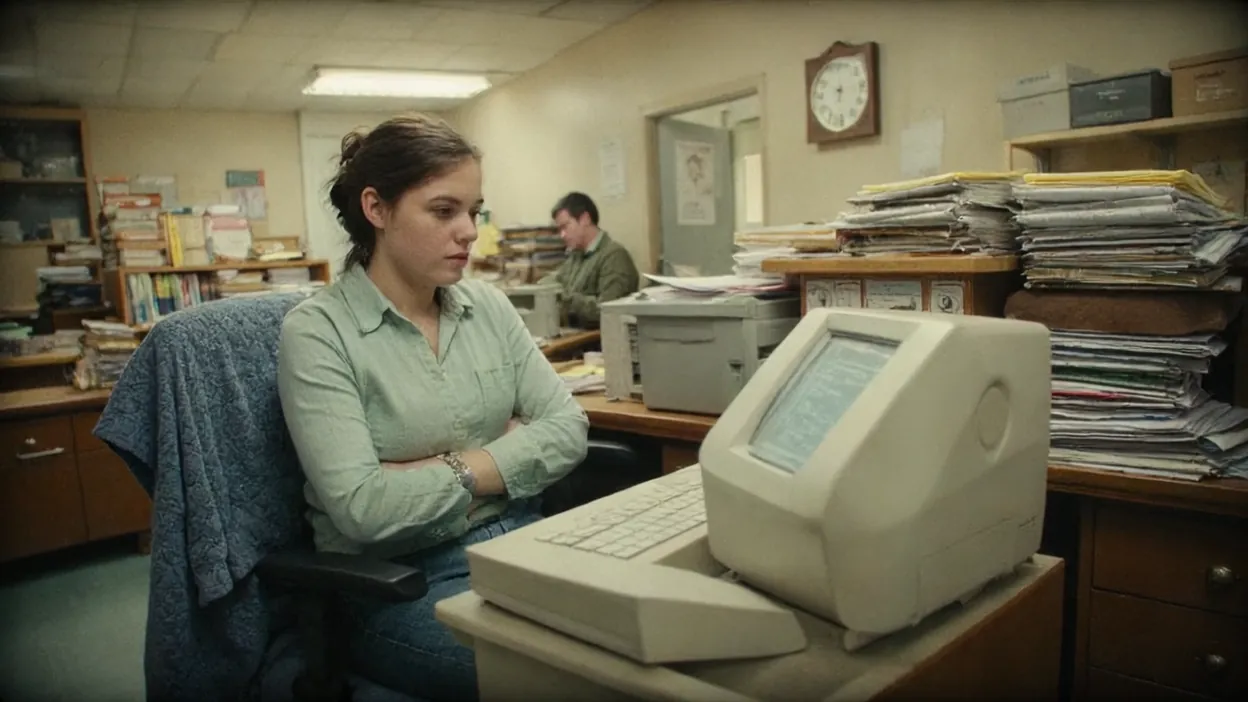
Not every aging infrastructure situation is an emergency. Here are the signals that mean the upgrade can't wait:
- Any device running Windows 10 or earlier — end of support passed October 2025, and paid ESU only buys time
- Servers older than 5-6 years: often past warranty, with parts harder to get and failures more likely
- No tested backup and recovery plan — "we have backups" is not the same as "we tested recovery last month"
- No endpoint detection and response (EDR): traditional antivirus can miss new or hands-on-keyboard ransomware
- Firewall past its vendor support date: firmware and threat updates stop, and firewalls are a favorite target
- No MFA on email and remote access: a stolen password is then all an attacker needs to get into your mailbox
- Recurring IT issues without root cause fixes — patch-over-patch on aging hardware is not maintenance, it's debt accumulation
- Staff complaining about consistent slowness — productivity loss is a real cost, not just a nuisance
If three or more of these apply to your business, the upgrade risk has shifted from "eventually" to "now" territory.
How to Prioritize IT Upgrades
Budget is finite. Not everything can be upgraded at once. Here's how to prioritize:
Security-Critical First
End-of-life operating systems, missing EDR, absent MFA, and unverified backups are existential risks — address these before anything else. A ransomware attack that wipes your systems while you're saving up for new workstations is a much worse outcome than a few more months of slow computers.
Infrastructure That Affects Everyone Second
Networking upgrades (firewall, switches, Wi-Fi) and server replacements affect every user and workload. A slow or failing server that hosts your line-of-business application is more impactful than a single slow workstation. Prioritize shared infrastructure over individual endpoints.
Individual Endpoints Last
Workstation replacements matter, but they can usually be phased. Prioritize based on age (replace the oldest first), role criticality (accounting and operations staff before lower-frequency users), and failure history (machines that have already had repairs).
Cloud Migration vs. Hardware Refresh
When faced with a server replacement, many businesses now face a choice: buy new hardware, or migrate workloads to the cloud.
Cloud migration (moving file storage to SharePoint/OneDrive, moving applications to hosted versions) often makes more sense for small and mid-sized businesses because:
- No capital expenditure — monthly operating cost instead of a large upfront investment
- Vendor handles hardware maintenance, patching, and uptime
- Built-in redundancy and geographic backup
- Scales with your business without a new hardware purchase
Hardware refresh (replacing on-premise servers with newer hardware) makes more sense when:
- Your application requires on-premise hosting for compliance reasons
- You have workloads with unusual compute or storage requirements that cloud costs at scale
- You have reliable IT staff to manage on-premise infrastructure
For most businesses with 10-100 employees, a hybrid approach works: cloud for productivity and collaboration (Microsoft 365), cloud backup, and minimal on-premise hardware for anything that genuinely requires local hosting.
How to Get Started Without Overspending
The biggest mistake businesses make with IT upgrades is buying everything at once without a clear picture of what they actually need. The result: overspending on things that don't move the needle while missing the items that do.
The right starting point is an IT assessment — a structured review of your current environment that produces a prioritized list of what needs attention, in what order, at what cost. A good IT assessment covers:
- Inventory of all hardware and software with age and support status
- Security gap analysis (what's missing, what's misconfigured)
- Backup and recovery verification
- Network architecture review
- Prioritized recommendations with estimated costs and timelines
With a written assessment in hand, you can make upgrade decisions based on actual risk priority rather than vendor sales pitches — and spread the investment across budget cycles in a way that makes business sense.
The Bottom Line
IT infrastructure upgrades are not optional indefinitely. The question is whether you upgrade on your own timeline — strategically, with a budget, in order of priority — or whether a ransomware attack, hardware failure, or compliance audit forces the decision for you under the worst possible conditions.
The businesses that handle IT upgrades well treat infrastructure like any other capital asset: they track age and depreciation, plan replacements before failure, and make security investments before incidents. The businesses that struggle treat IT as a cost center to be minimized — until the cost of not investing catches up with them.
If you're not sure where your infrastructure stands, an IT assessment is the fastest way to get a clear picture — and to know whether your timeline is measured in months or years.